Hey there 👋
When using git, it’s tempting to commit all your changes at once with a vague message like “fixed stuff” or “updates”. But here’s the thing: your future self (and your teammates) will thank you for taking a few extra seconds to write clear, meaningful commit messages.
Why commit messages matter
The Git history is the complete record of all changes made to your repository. It’s not just a log — it’s a story of why decisions were made, what problems were solved, and how the codebase evolved.
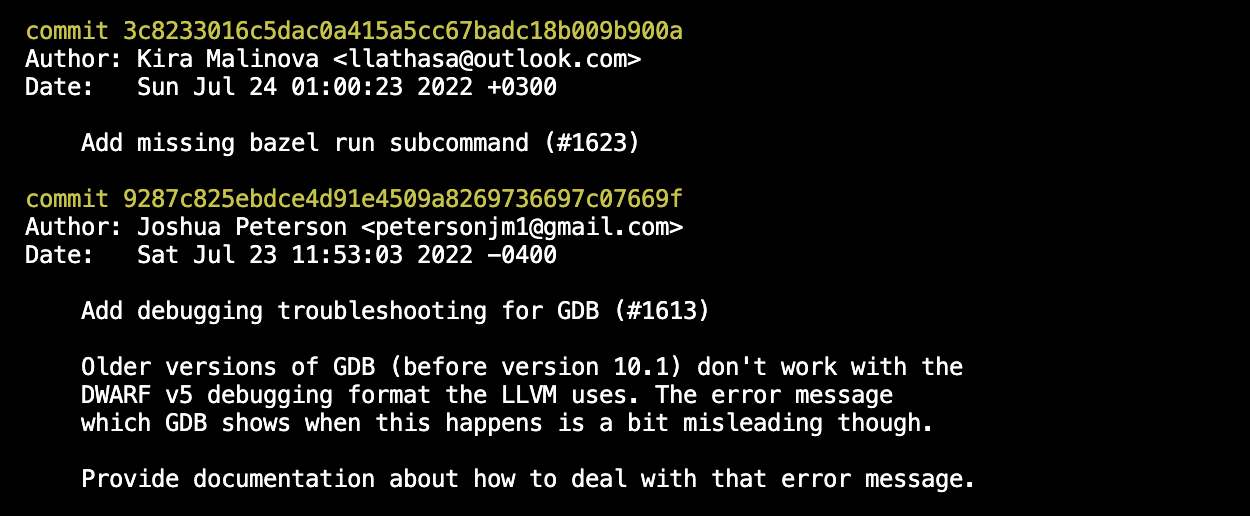
git log command. For more, see git-log official documentation.Good commit messages help you:
- Understand changes quickly — Know exactly what a commit does without reading the code
- Debug faster — Find when and why a bug was introduced
- Review efficiently — Make code reviews smoother and more meaningful
- Revert safely — Undo specific changes without affecting unrelated work
Keep commits small
Small, focused commits are easier to understand, review, and revert if needed. Instead of one massive commit with 20 file changes and a message saying “various fixes”, break it into logical chunks:
- ✅ “Fix null pointer exception in user authentication”
- ✅ “Add validation for email input field”
- ✅ “Update dependencies to latest versions”
Each commit should represent one logical change. If you can’t describe your commit in a single sentence, it’s probably doing too much.
The anatomy of a good commit message
Structure your commit message like an email with a subject line and body.
The subject line
Keep it 50 characters or fewer and make it descriptive.
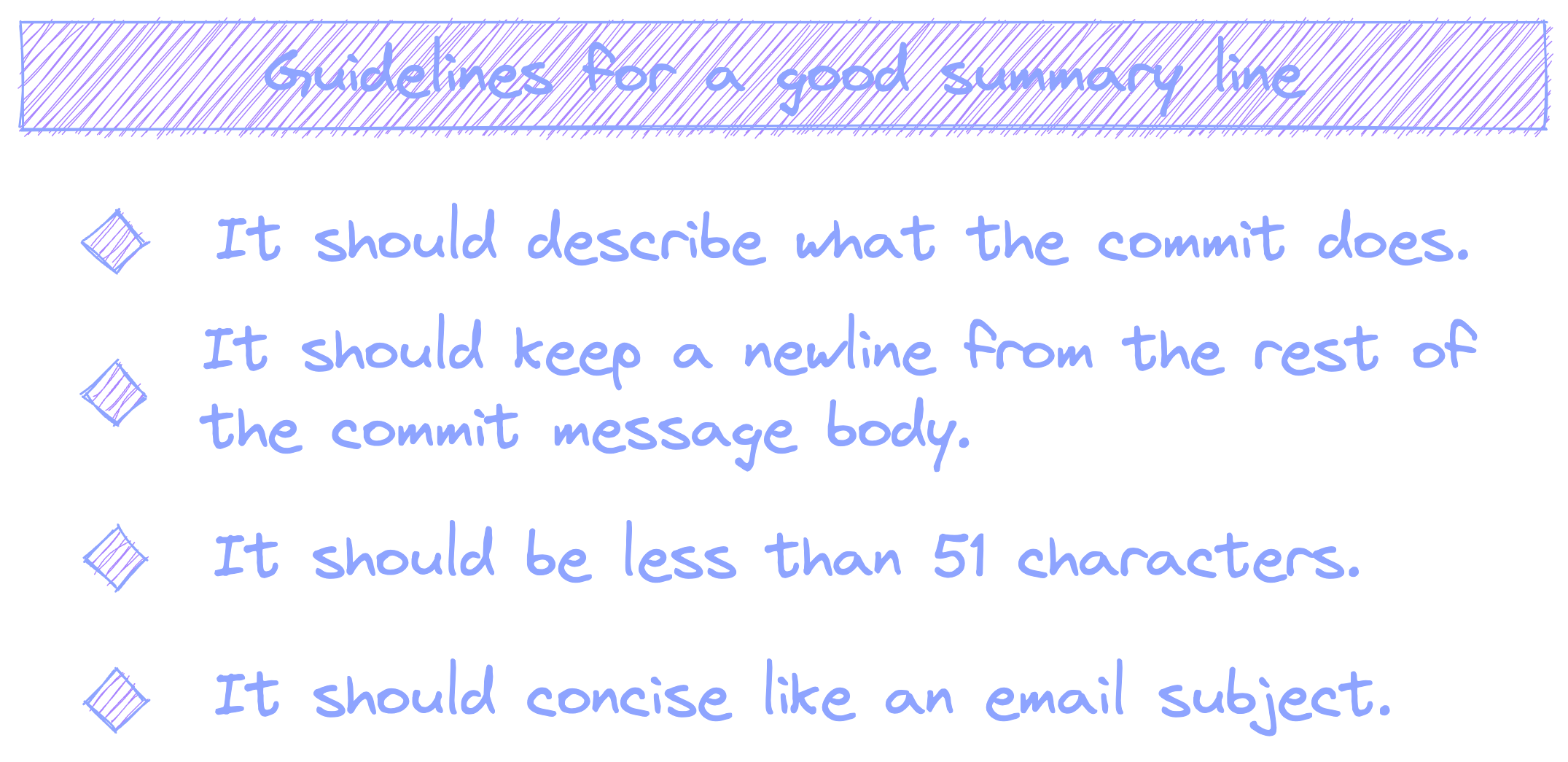
Good examples 🟢:
Fix race condition in payment processingAdd user avatar upload featureRemove deprecated API endpoints
Bad examples 🛑:
fixed bug(too vague)Update the entire authentication system to use OAuth 2.0 instead of custom tokens(too long)stuff(useless)
The body (optional but recommended)
If your change needs explanation, add a body after a blank line. Wrap lines at 72 characters or fewer and write in present tense.
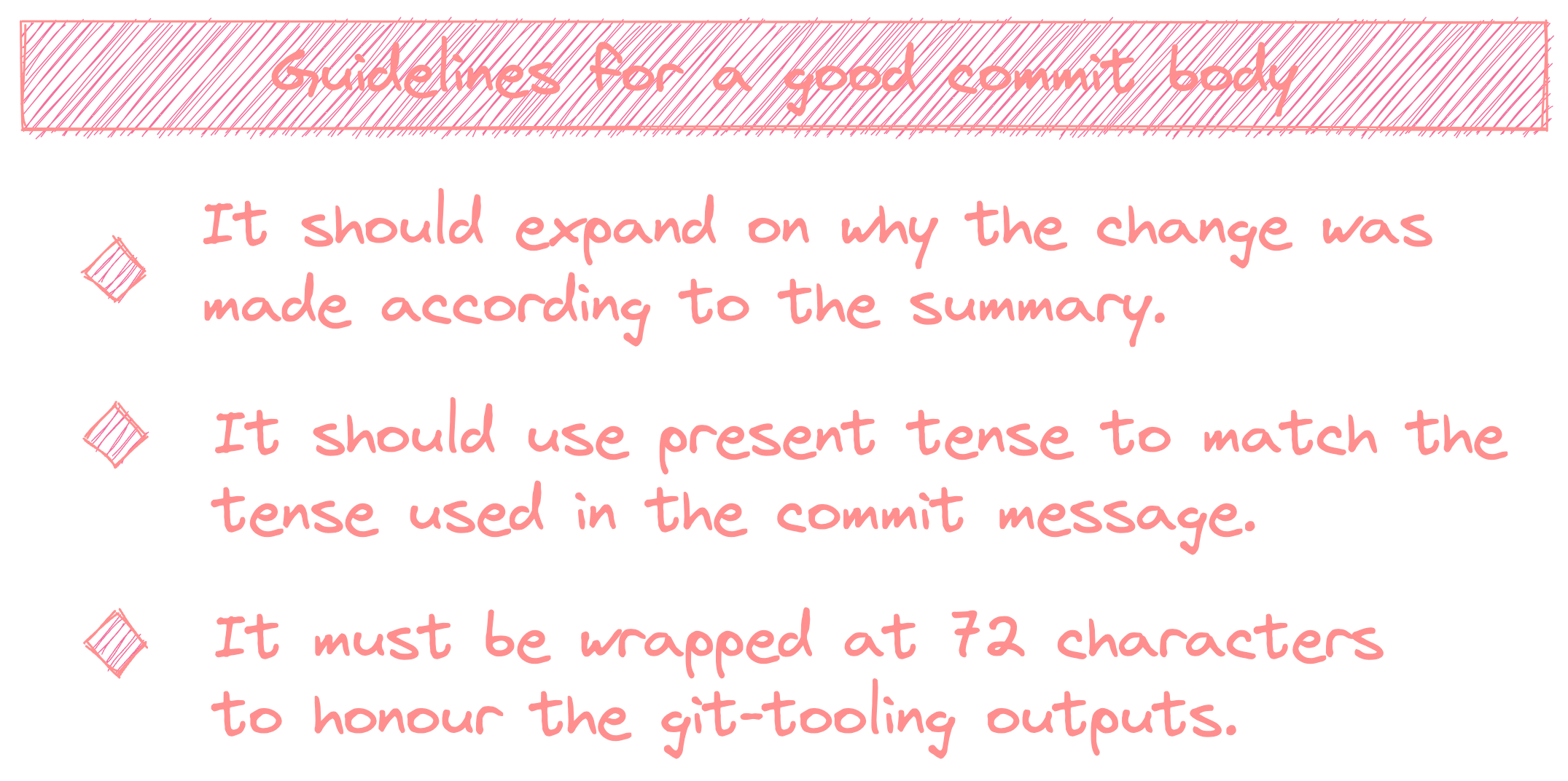
The body should answer:
- What does this change do?
- Why was this change necessary?
- How does it solve the problem?
Example:
Fix memory leak in WebSocket connection handler

The connection handler wasn't properly closing connections when
clients disconnected unexpectedly. This caused memory usage to
grow over time in long-running services.

Added explicit cleanup in the disconnect handler and added tests
to verify connections are properly released.
Markdown in commit messages
GitHub, GitLab, and similar platforms render Markdown in commit messages. You can use:
**bold**for emphasis_italics_for subtle emphasis`code`for technical terms- listsfor multiple points
Don’t go overboard, but basic formatting can make longer commit messages much more readable.
Conventional commits
Many teams follow the Conventional Commits specification. It adds a standardized prefix to commit messages:
feat:— New featurefix:— Bug fixdocs:— Documentation changesrefactor:— Code refactoringtest:— Adding or updating testschore:— Maintenance tasks
Examples:
feat: add dark mode toggle to settingsfix: resolve CORS issue on API endpointsdocs: update installation instructions for Windows
This makes it easy to scan history and even auto-generate changelogs.
Summary
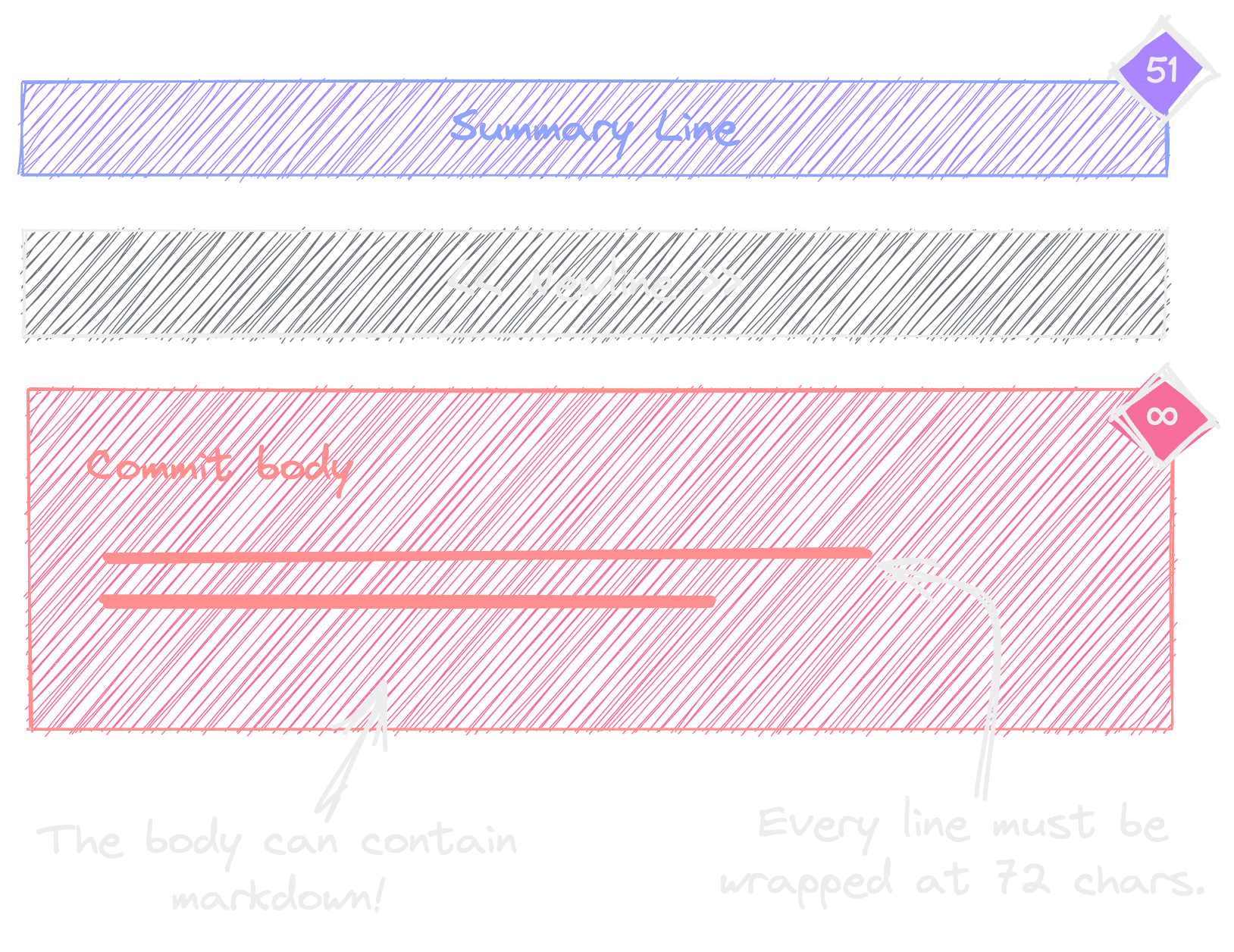
Good commit messages are:
- Clear — Describe what changed and why
- Concise — Keep subject lines under 50 characters
- Consistent — Follow a standard format
- Complete — Include context in the body when needed
Your commit history is documentation that lives forever with your code. Make it count!
Further reading: This article was inspired by Tim Pope’s classic post on commit messages. Check it out for deeper insights into the reasoning behind these practices.
Thanks for reading! Now go write some beautiful commits ✨